Your dive footage, with the colour back.
LUTly Dive is an iPhone app for divers. It works on GoPro, Sony, DJI and iPhone clips. It works out the camera and the water on its own. Everything runs on the phone and nothing is uploaded. Trying it is free.
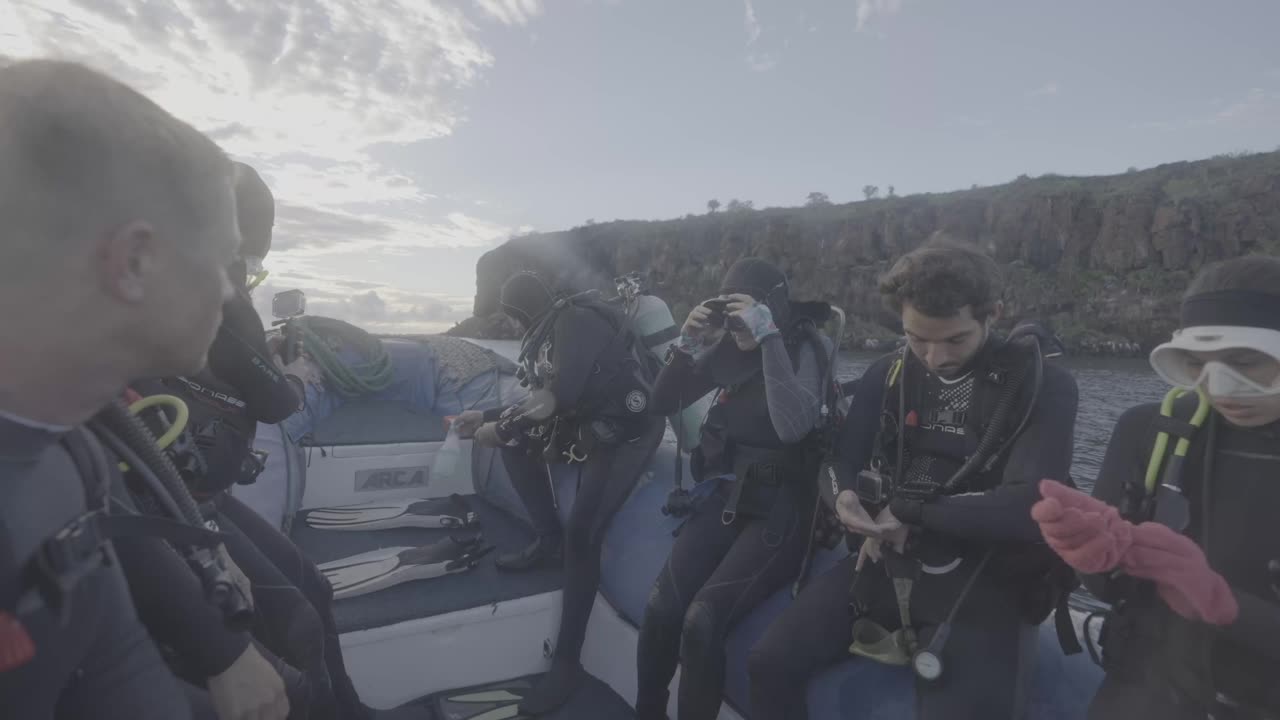
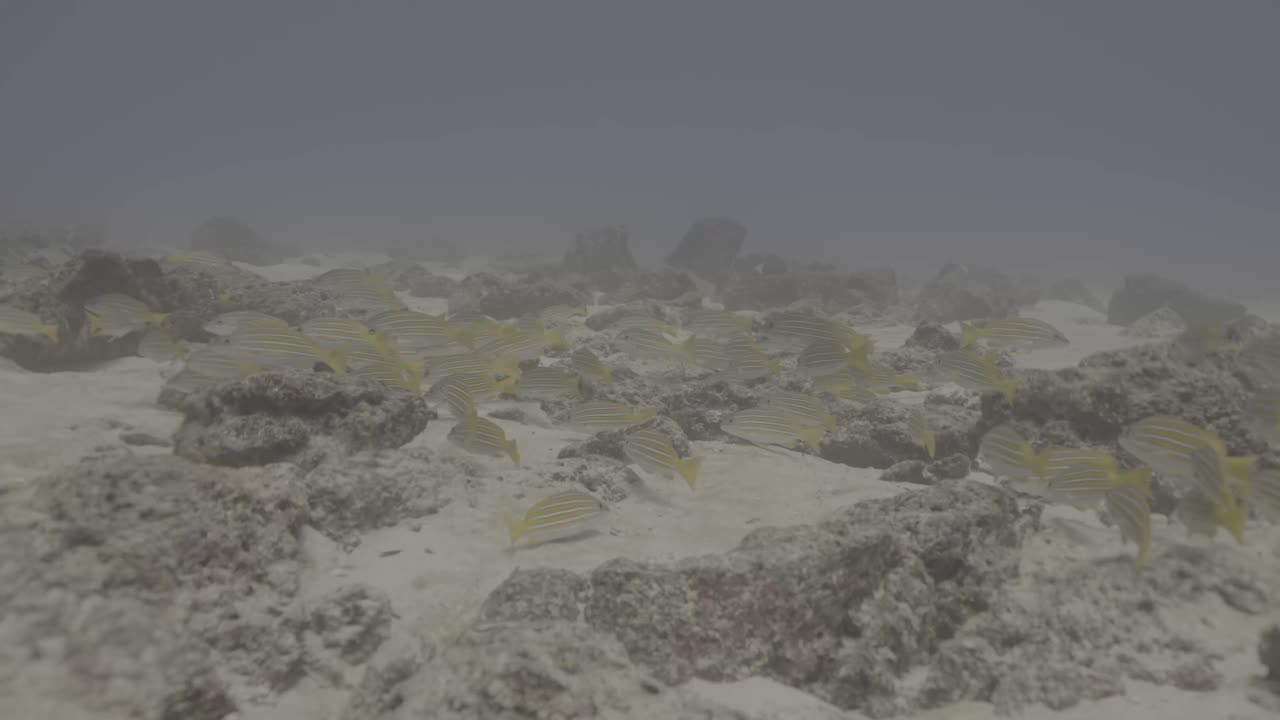
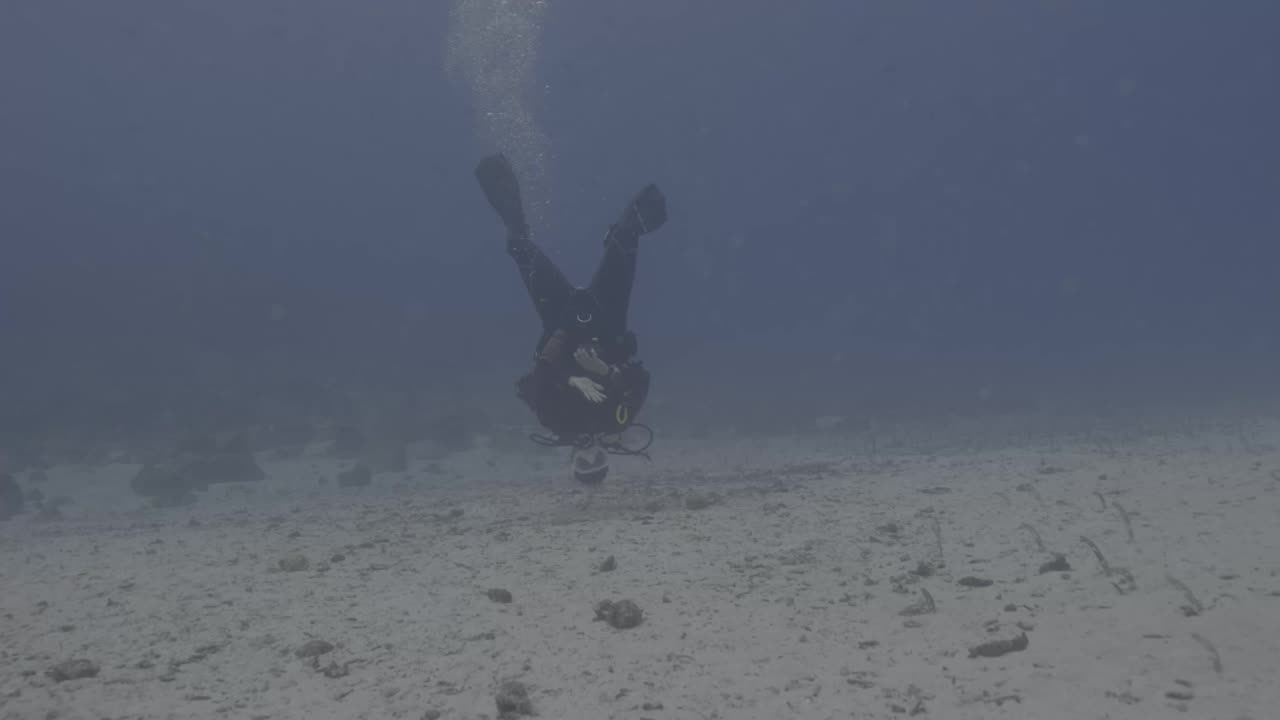
Before and after, on footage from real dives.
Each clip below came off a dive card. Play one to see what the water took and what came back.
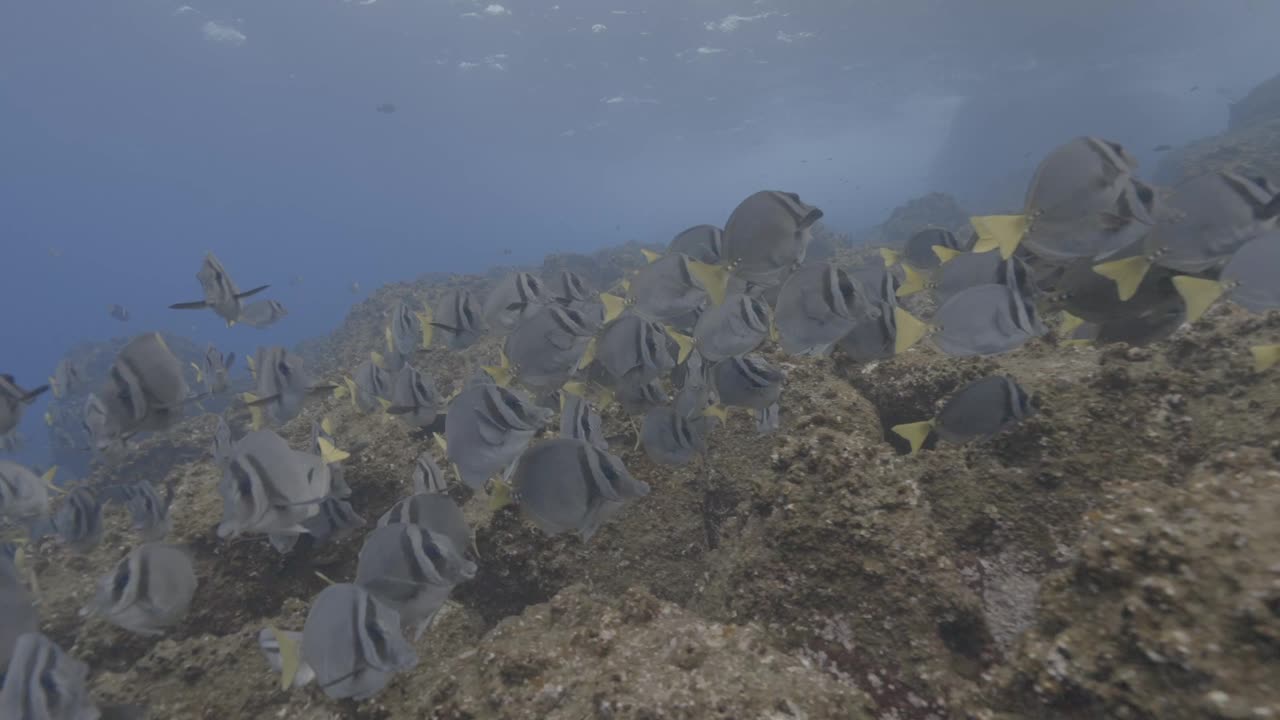
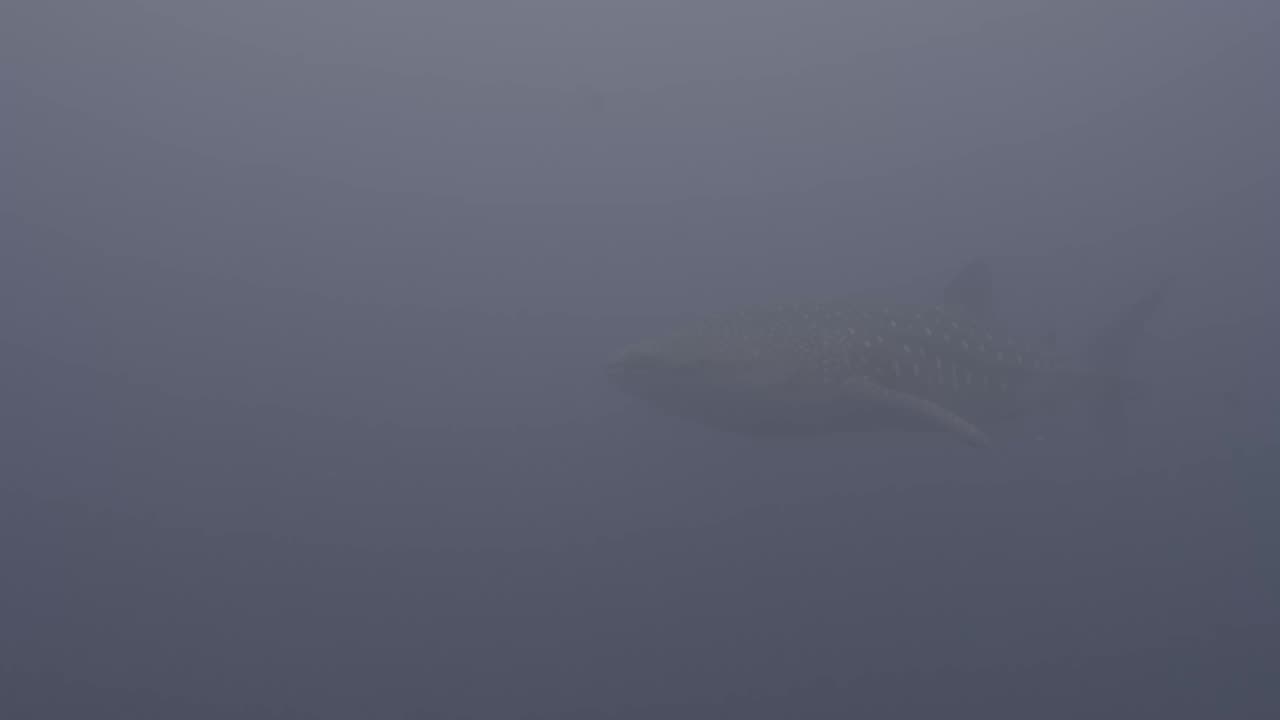
Water takes the red first.
Red light stops first, in the first few metres. Orange goes next, then yellow. Green hangs on longer and blue goes deepest of all.
That is why a reef at 18m looks blue and flat on the card. It is also why the same clip looks washed out even when the visibility was good. Nothing was wrong with your camera.
It reads the clip and picks the fix.
The app reads the file and works out which camera shot it. It then reads the picture and works out how deep you were and what the water is doing.
It picks the right fix from that on its own. You do not choose anything. If you want to move it, you can, but you do not have to.
Whole dives, not single clips.
A dive gives you twenty clips, not one. Bring them all in at once and they sit in a tray on the phone.
The app handles the set together so the clips match each other. You can step through the tray and check them one by one.
Free to try. Paid to export.
The app is free to download and free to try on your own clips. You see the finished result before you pay.
Paying is required to save the finished video out of the app.
PRICES PUBLISHED AT LAUNCH
The export is a normal video file. Low on this page for the editors: the same colour work is available as a LUT in the browser tool at underwater colour correction.
Processed on your device. Never uploaded.
Your clips stay in your phone. There is no account needed to try it and no copy of your dive sitting on a server.
Tell me where to send the launch link.
The app is not in the App Store yet. Leave your email and you get one message when it is live.
Frequently asked.
What is LUTly Dive?
An iPhone app that puts the colour back into dive footage. You bring in a clip, it works out what the water took, and it gives you the clip back looking like it did to your eyes.
Which cameras does it work with?
GoPro, Sony, DJI and iPhone clips are all read directly. Clips from other cameras still work, the app treats them as standard footage and fixes the water.
Does it work on video or only photos?
Video. It is built for dive clips, not stills.
Do I need a red filter?
No. A red filter fixes one depth and costs you light. The app works out the depth from the clip itself and fixes it after the fact.
Does it work in green water?
Yes. There is a green water set for coastal and temperate dives, and a fresh water set for lakes, quarries and cenotes.
Does it work without signal on a boat?
Yes. Everything runs on the phone, so it works in airplane mode on a boat or in a dive resort with no wifi.
Is it free?
The app is free to download and free to try on your own clips. You can see the result before you pay anything.
What does it cost to export?
Paying is required to save the finished video out of the app. The price is not published yet, it will be shown here and in the App Store listing before launch.
Is my footage uploaded anywhere?
No. Processed on your device. Never uploaded.
Can I bring in a whole dive at once?
Yes. You can import many clips from one dive, they sit in a tray, and the app handles them together.