Apple Log, graded in one sentence.
Apple Log footage looks flat because it is supposed to. LUTly linearises it first, then builds the look you describe, on your own clip, and exports a real .cube LUT.
Drop a clip, describe the look, export a real .cube LUT. Your footage never uploads.
Apple Log is the flat, low-contrast recording profile available on iPhone 15 Pro and newer Pro models. It preserves dynamic range for grading, which means the footage needs a LUT or a grade before it looks right. LUTly builds that LUT on your own clip from a plain-English description, in the browser, and exports a standard .cube file for Final Cut Pro, DaVinci Resolve, Premiere Pro or CapCut.
Log profiles trade instant contrast for grading headroom. The iPhone records more highlight and shadow information, and in exchange the clip looks washed out until something maps it back to a finished image. That something is a LUT.
The exported .cube is standard. Final Cut Pro reads it with a Custom LUT effect, DaVinci Resolve applies it on a node, Premiere Pro in Lumetri, CapCut as an imported LUT. Build once, use it across your edit.
Your three options.
Apple publishes an official Apple Log LUT. It is correct and it is one fixed look. Every clip gets the same neutral conversion, and it was not built with your footage or your taste in mind.
Packs are built on someone else's footage. On your clip the white balance, exposure and skin tones are different, so the same LUT lands differently, and you cannot tell it what to change.
Drop your Apple Log clip into LUTly, describe the look, warm evening light, clean skin tones, deep blue sky, whatever you are after. LUTly linearises the log footage first, then builds the look on top, previewed live with a before and after split. Export a 33-point .cube. Your footage never uploads, only up to 3 small preview stills go to the AI.
Drag the slider. Flat log in, finished look out.
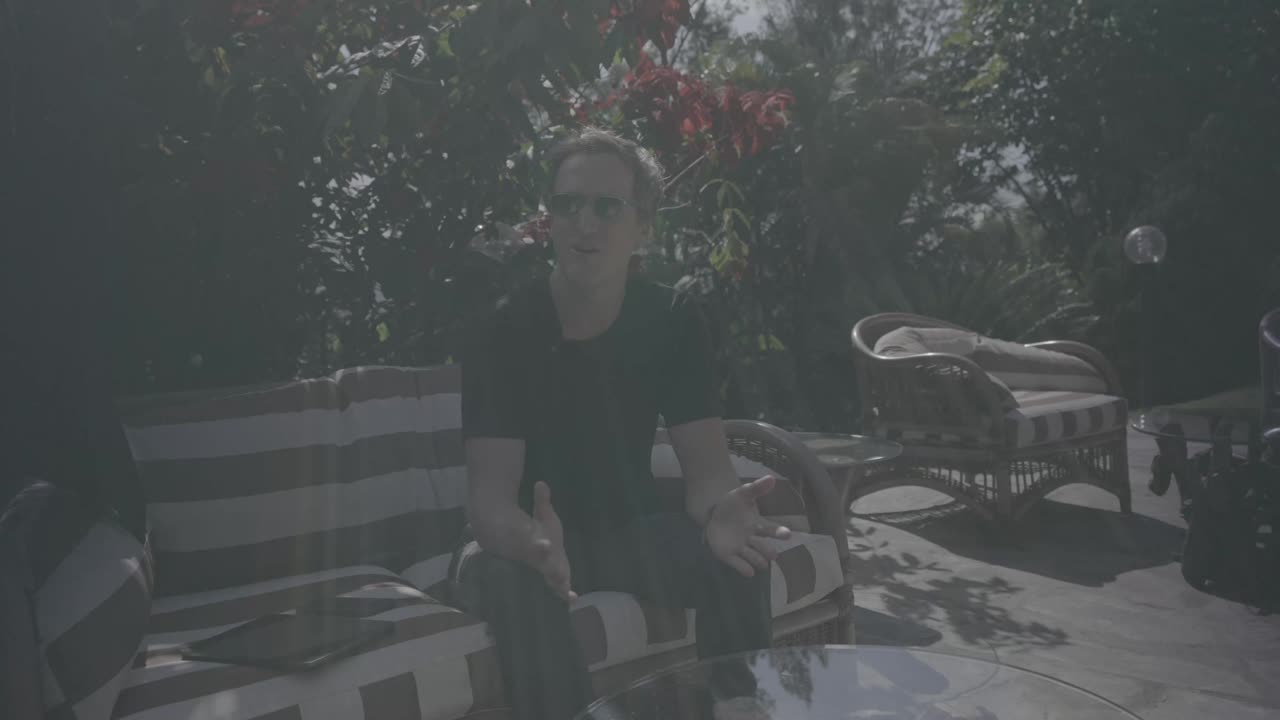
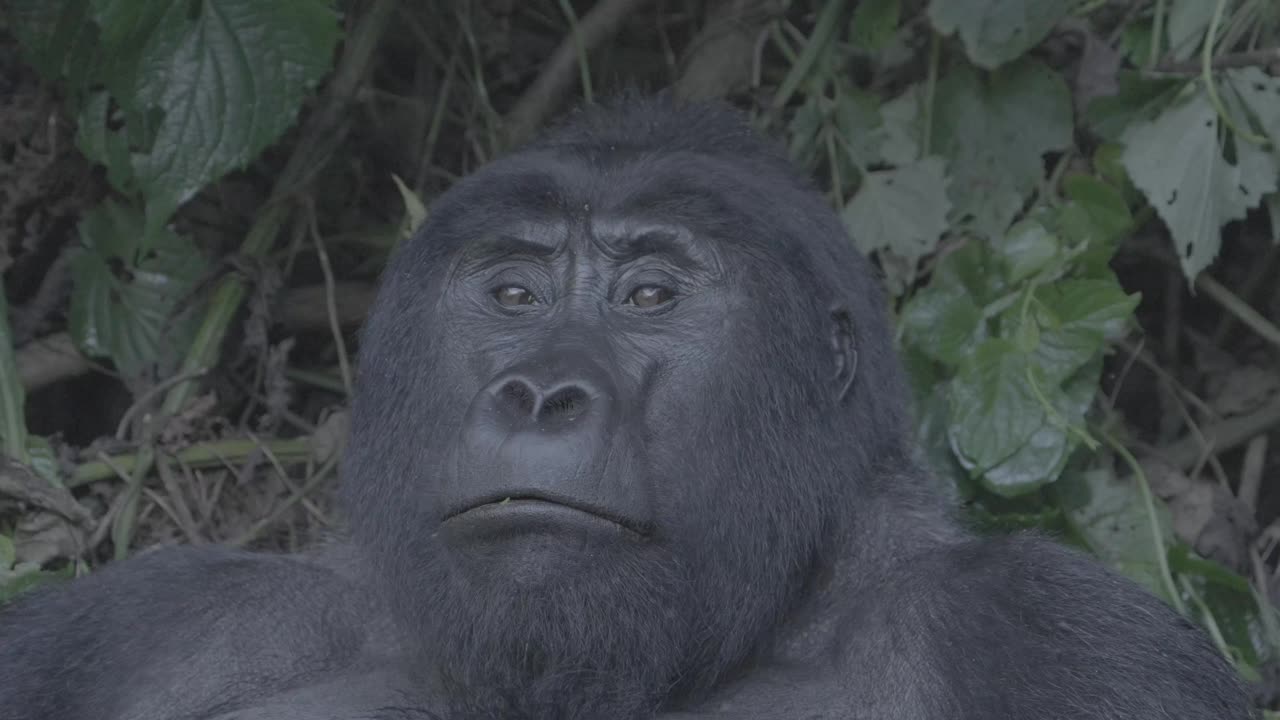
Left is the real source frame straight out of the camera. Right is the same frame with a LUT built from one sentence, applied live.


Frequently asked.
What is Apple Log?
Apple Log is Apple's logarithmic recording profile, introduced with the iPhone 15 Pro. It records flat, low-contrast footage that preserves dynamic range so you can grade it afterwards.
Which iPhones shoot Apple Log?
iPhone 15 Pro and newer Pro models. It is recorded through the Camera app's ProRes settings or apps like Final Cut Camera.
Do I need a LUT for Apple Log?
You need something to convert the flat log image to a finished look: a LUT, or a manual grade in an editor with color management. A LUT is the fastest route, and it travels with you between editors.
Is Apple's official LUT enough?
It is a correct neutral conversion, and many people stop there. If you want a look rather than just a conversion, you need a LUT built with a look in mind, ideally on your own footage.
Can LUTly handle other log formats too?
Yes. S-Log3, C-Log3, V-Log and D-Log are all supported the same way: linearise first, then build the look. See the log footage page.
Try LUTly on your own footage.
Drop a clip, describe the look, export a real .cube LUT. Your footage never uploads.