LUTly vs DaVinci Resolve
One is the industry standard grading suite. The other builds your look from a sentence, in the browser. Here is an honest comparison, including how to use both together.
Drop a clip, describe the look, export a real .cube LUT. Your footage never uploads.
DaVinci Resolve is a free desktop editing and color grading suite with professional node-based tools and a steep learning curve. LUTly is a browser tool that builds a custom 33-point .cube LUT from your own footage when you describe the look in plain English. Most people are not really choosing between them: LUTly makes the LUT, Resolve can apply it.
It is the most capable free grading tool available, and colorists build entire careers inside it. The Studio version is $295 one time. The trade is time: the color page is node-based and scopes-driven, and it takes weeks before it feels comfortable.
Drop a clip, describe the look you want, and get a real .cube LUT built on your footage, previewed live with a before and after split. There is nothing to download and no nodes to learn. Export the LUT and you are done, or keep refining it in Resolve.
Side by side.
| DaVinci Resolve | LUTly | |
|---|---|---|
| What it is | Full editing and grading suite | Browser AI color grading |
| Price | Free version; Studio $295 one time | Free plan; paid plans for more builds |
| Where it runs | Desktop app, large download | In the browser, nothing to install |
| Learning curve | Steep, node-based | Describe the look in a sentence |
| How you grade | Manually: wheels, curves, nodes, scopes | Describe the look or drop a reference image, then adjust |
| LUT export | Yes | Yes, 33-point .cube |
| Log footage | Full manual color management | Linearised first, then the look is built on top |
| Your footage | Stays on your machine | Stays on your device. Your footage never uploads, only up to 3 small preview stills go to the AI. |
Drag the slider. LUTly grade on the right.
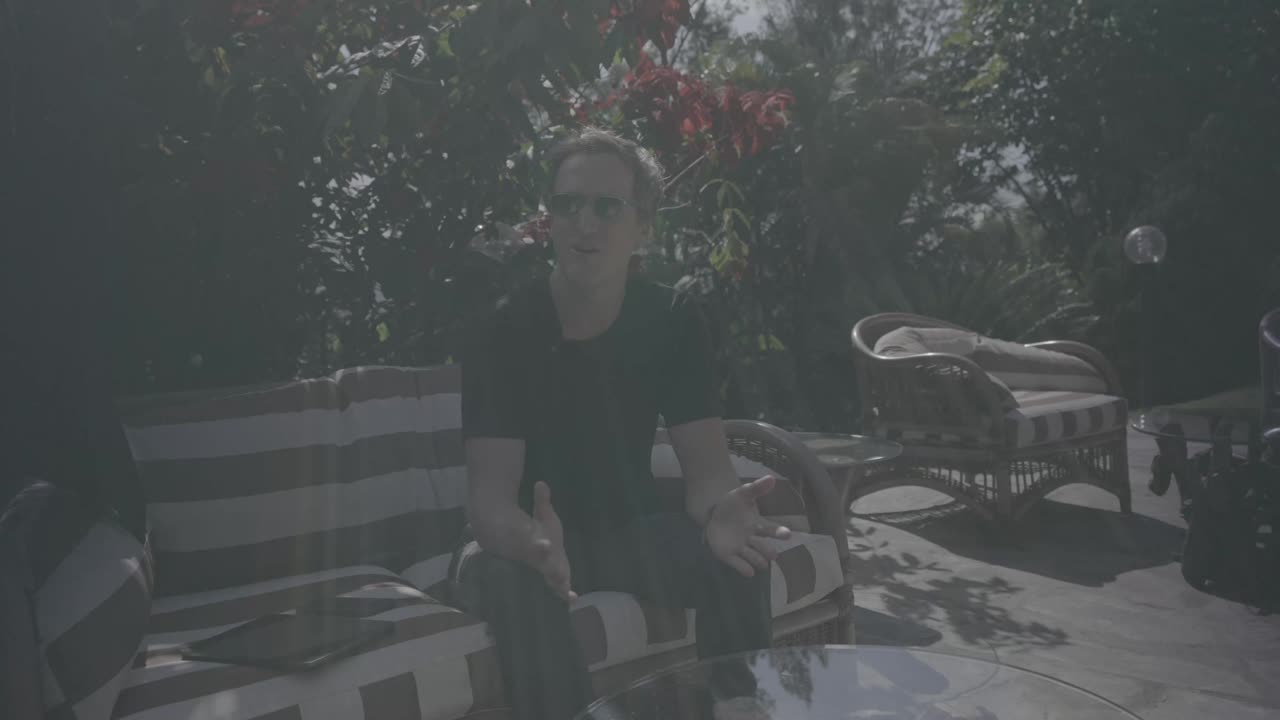
Left is the real source frame straight out of the camera. Right is the same frame with a LUT built from one sentence, applied live.



Use them together
LUTly exports a standard .cube file. In Resolve, add it to your LUT folder and apply it to a node, then trim to taste. You keep all of Resolve's control and skip the blank-node stage where most people get stuck.
Frequently asked.
Is DaVinci Resolve really free?
Yes. The free version includes the full color page and covers most creator work. DaVinci Resolve Studio is $295 as a one-time purchase and adds features like higher-resolution delivery and its AI tools.
Can I use LUTly LUTs in DaVinci Resolve?
Yes. LUTly exports standard 33-point .cube files, which Resolve reads natively. Build the look in LUTly, refine it in Resolve if you want to.
Is LUTly a replacement for DaVinci Resolve?
No. Resolve is an editor and grading suite. LUTly does one job: it turns a description of a look into a LUT built on your footage. Many LUTly users apply the result inside Resolve.
Which is better for a beginner?
If you want to learn grading as a skill, start with Resolve, it is free. If you want your video graded today without learning a grading suite, that is what LUTly is for.
Try LUTly on your own footage.
Drop a clip, describe the look, export a real .cube LUT. Your footage never uploads.