AI color grading, from one sentence.
Describe the look you want. LUTly's AI builds a real .cube LUT on your own footage, live in the browser.
Drop a clip, describe the look, export a real .cube LUT. Your footage never uploads.
LUTly is an AI color grading tool for video. It runs in your browser, with nothing to download. Your footage stays on your device and is never uploaded. The output is a real .cube LUT file. Log footage is detected automatically. There is a free tier, and no card is needed to try it.
Two stages. First a correction pass fixes exposure, white balance and log handling so the image sits on a neutral base. Then a look pass applies the creative grade you asked for. The AI decides, your device computes. Only a few small preview stills are sent to the model. Your footage never uploads.
Real prompts work: "clear the haze and deepen the blue", "warm film look, gentle contrast", "make the colours pop without crushing the blacks". Or drop a reference image and match it. The output changes with the clip, because the LUT is built on the clip.
Built for real footage.
S-Log3, D-Log, HLG, Apple Log, GoPro Protune and iPhone profiles are auto-detected. Flat log footage is decoded properly before the look goes on, so blacks do not crush and skin tones do not shift. See it on S-Log, Apple Log, DJI D-Log and GoPro Protune.
[ TABLE A ] — Camera and format support
| Camera or brand | Profile detected | What LUTly does |
|---|---|---|
| Any other camera | STANDARD REC.709, HLG HDR | Treats the clip as standard Rec.709, or as HLG if you pick it. Use this when the camera is not in the list. |
| Apple iPhone | STANDARD (HDR OFF), HDR (DOLBY VISION / HLG), APPLE LOG | Reads the file for an Apple Log or HDR tag, decodes it back to a normal range, then grades on top. |
| Sony | STANDARD, S-LOG3 / S-GAMUT3.CINE, HLG | Decodes S-Log3 with the S-Gamut3.Cine primaries before the look goes on, so blacks hold and skin stays put. |
| Canon | STANDARD, C-LOG3 | Decodes C-Log3, then grades. C-Log3 is the only Canon log profile offered today. |
| Panasonic | STANDARD, V-LOG, HLG | Decodes V-Log or HLG, then grades on the flattened image. |
| GoPro | STANDARD, PROTUNE FLAT, GP-LOG | Decodes Protune Flat or GP-Log, then grades. Also used for GoPro clips shot in a dive housing. |
| DJI | STANDARD, HLG, D-LOG M, D-LOG | Decodes D-Log, D-Log M or HLG depending on the drone, then grades. |
| Blackmagic Design | VIDEO (REC.709), FILM GEN5 | Decodes Blackmagic Film Gen 5, then grades. Gen 5 is the only Blackmagic film profile offered today. |
The first profile listed for each brand is the default. You can override the brand and the profile at any point.
A LUT you own.
The output is a real .cube LUT you own. Drop it into any editor, reuse it on the whole shoot, share it with your colourist. Filters live inside the app that made them. A LUT is a portable colour transform that works everywhere. Processed on your device. Never uploaded.
[ TABLE B ] — Export and compatibility
| Format | Sizes available | Editors that read it | Tier |
|---|---|---|---|
| .cube | 33 points | DaVinci Resolve, Premiere Pro, Final Cut Pro, CapCut | Free account |
| .cube | 17 and 65 points | DaVinci Resolve, Premiere Pro, Final Cut Pro, CapCut | Creator, $5 a week |
| Graded frame PNG | Frame size of your clip | Any image app, useful for stills and thumbnails | Creator, $5 a week |
| .3dl | 17 points, fixed | DaVinci Resolve and older finishing systems | Pro, $10 a week |
| HALD PNG | Level 8, a 512 by 512 image | Apps that read HALD identity images | Pro, $10 a week |
| ZIP of .cube files | One file per clip in the batch | Same editors as a single .cube | Pro, $10 a week |
Drag the slider. AI grade on the right.
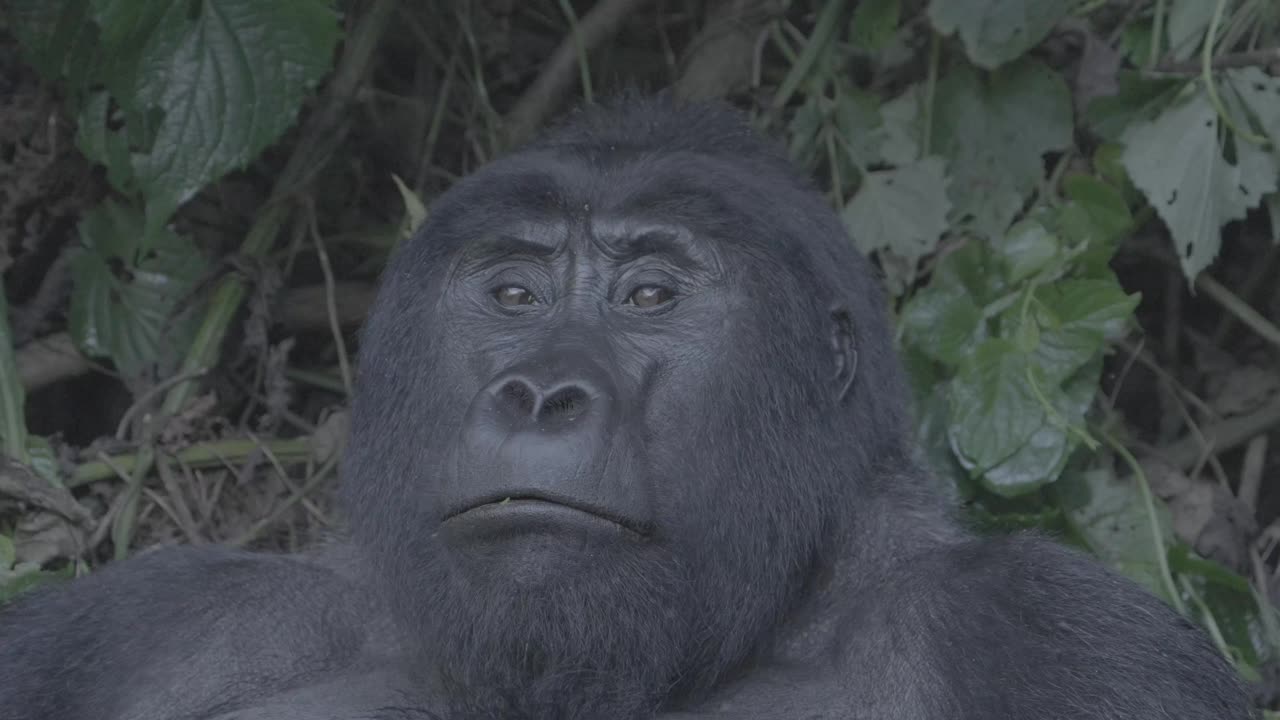
Left is the real source frame straight out of the camera. Right is the same frame with a LUT built by the AI from one sentence, applied live.



Frequently asked.
Is LUTly's AI color grading free to try?
Yes. Signup is free and quick. A free account includes grading in your browser, full quality .cube export and 5 LUT generations a month.
Does my footage get uploaded?
No. Your footage is decoded and rendered on your device. At most a few small preview stills go to the AI so it can judge the look. Processed on your device. Never uploaded.
Which editors can I use the LUT in?
Any editor that reads .cube LUTs, including DaVinci Resolve, Premiere Pro, Final Cut Pro and CapCut.
Can it grade log footage?
Yes. LUTly auto-detects S-Log3, D-Log, HLG, Apple Log, GoPro Protune and iPhone profiles, linearises the log signal, then applies the look on top of a correct base.
Is there an AI that generates LUTs?
Yes. LUTly generates a LUT from a written description of the look you want. The AI reads a few frames of your clip, decides the colour move, and your device computes the table. The file you download is a standard .cube LUT.
How do I create a .cube LUT file?
Drop a clip into LUTly, type the look you want, and export. LUTly writes the .cube file for you at 33 points on the free account, or 17 and 65 points on Creator. You can also build one by hand in a colour app, which takes longer and needs the shot already graded.
Can ChatGPT make me a LUT?
A chat model can describe a look, suggest colour direction, and write out text. It cannot open your footage or measure it, so it cannot produce a colour-accurate .cube file from your clip. LUTly takes that kind of description and builds the LUT against the actual frames.
Do I need to download or install anything?
No. LUTly runs in the browser. There is no plugin, no installer and no render farm. You need a modern browser and the clip on your machine.
What is the difference between a LUT and a filter?
A LUT is a colour transform in a file, so it moves with you into any editor that reads it. A filter lives inside the app that made it. A LUT can also be reused across a whole shoot and handed to someone else.
Can I use the LUT commercially?
Yes. The LUTly terms say you keep all rights to your source footage, your references and the LUTs you generate. You are responsible for having the right to use any reference image you upload.
Does it work on a phone?
Partly. Phone browsers can load a clip and grade it, and Creator and Pro accounts go straight into the app on a phone. On the free tier a phone visit shows a short page saying LUTly works best on desktop, with a link to email yourself the desktop link and a link to carry on anyway.
Try LUTly on your own footage.
Drop a clip, describe the look, export a real .cube LUT. Your footage never uploads.