Fix green GoPro footage.
Green water, blue haze, washed out coral. Drop the clip in your browser and get the colour back, then take a .cube LUT into your editor.
Drop a clip, describe the look, export a real .cube LUT. Your footage never uploads.
GoPro footage goes green or blue because water absorbs red light with depth. LUTly estimates the depth and water type from your frames, rebuilds the colour the water removed, then applies the look you describe. It runs in the browser, your clip is never uploaded, and you export a real .cube LUT for the rest of the dive.
Water absorbs red light fastest and green survives longest, so by 5 m most of the red the sensor could see is gone. In green or temperate water what is left is green, and the camera records that honestly. Auto white balance then chases the cast and often makes it worse mid-clip.
Rebuilding what the water removed, in the right amount for your depth, before you touch contrast or saturation. Pulling the green slider is a guess and it drags skin and sand with it. LUTly inverts the absorption for your depth and water type first, then grades the corrected image.
What depth does to your clip.
Depths are approximate and they move with water clarity and time of day. LUTly reads the frame rather than trusting a number, and you can override the depth if you logged it.
| Depth | What the water took | How the clip looks | What LUTly does |
|---|---|---|---|
| 0 to 3 m (0 to 10 ft) | Red starting to drop | Slightly flat, close to correct | Light red recovery, contrast only |
| 3 to 8 m (10 to 26 ft) | Most red gone | Blue or green cast on everything | Red rebuilt, cast pulled back, whites re-anchored |
| 8 to 18 m (26 to 60 ft) | Red and orange gone | Strong cast, skin and coral look grey | Stronger red and orange recovery, haze reduced |
| 18 to 30 m (60 to 100 ft) | Yellow going too | Almost monochrome blue | Full recovery curve, water kept blue on purpose |
| 30 m and deeper (100 ft plus) | Only blue and some green left | Very little colour to rebuild | Recovery plus noise-aware contrast, video light helps most here |
Four steps, one dive.
Drop a GoPro clip into LUTly in your browser. The model and profile are read from the file, including GP-Log and Protune Flat.
Depth, subject distance and water type are estimated from the colour statistics. Adjust any of them if you know what you shot.
One sentence, for example cut the green, natural skin, keep the water blue. The look goes on top of the corrected image, not the cast.
Export a .cube file and apply it across the dive. Batch grades the whole card with one consistent look.
Red filter, video light, or neither.
A red filter is worth using in blue water below about 5 m, because it corrects while there is still signal to correct. It fights you in green water and on shallow or over-under shots. A video light is better again on close subjects, since it puts real red back on the reef. If you shot with neither, that is the normal case and it is what this page is for. See the GoPro page for topside settings.
Not just GoPro.
The same correction runs on any camera in a housing. Detection covers the common dive rigs and their flat profiles.
| Camera or brand | Profile detected | What LUTly does |
|---|---|---|
| Any other camera | STANDARD REC.709, HLG HDR | Treats the clip as standard Rec.709, or as HLG if you pick it. Use this when the camera is not in the list. |
| Apple iPhone | STANDARD (HDR OFF), HDR (DOLBY VISION / HLG), APPLE LOG | Reads the file for an Apple Log or HDR tag, decodes it back to a normal range, then grades on top. |
| Sony | STANDARD, S-LOG3 / S-GAMUT3.CINE, HLG | Decodes S-Log3 with the S-Gamut3.Cine primaries before the look goes on, so blacks hold and skin stays put. |
| Canon | STANDARD, C-LOG3 | Decodes C-Log3, then grades. C-Log3 is the only Canon log profile offered today. |
| Panasonic | STANDARD, V-LOG, HLG | Decodes V-Log or HLG, then grades on the flattened image. |
| GoPro | STANDARD, PROTUNE FLAT, GP-LOG | Decodes Protune Flat or GP-Log, then grades. Also used for GoPro clips shot in a dive housing. |
| DJI | STANDARD, HLG, D-LOG M, D-LOG | Decodes D-Log, D-Log M or HLG depending on the drone, then grades. |
| Blackmagic Design | VIDEO (REC.709), FILM GEN5 | Decodes Blackmagic Film Gen 5, then grades. Gen 5 is the only Blackmagic film profile offered today. |
What you take to the edit.
| Format | Sizes available | Editors that read it | Tier |
|---|---|---|---|
| .cube | 33 points | DaVinci Resolve, Premiere Pro, Final Cut Pro, CapCut | Free account |
| .cube | 17 and 65 points | DaVinci Resolve, Premiere Pro, Final Cut Pro, CapCut | Creator, $5 a week |
| Graded frame PNG | Frame size of your clip | Any image app, useful for stills and thumbnails | Creator, $5 a week |
| .3dl | 17 points, fixed | DaVinci Resolve and older finishing systems | Pro, $10 a week |
| HALD PNG | Level 8, a 512 by 512 image | Apps that read HALD identity images | Pro, $10 a week |
| ZIP of .cube files | One file per clip in the batch | Same editors as a single .cube | Pro, $10 a week |
Drag the slider. Corrected on the right.
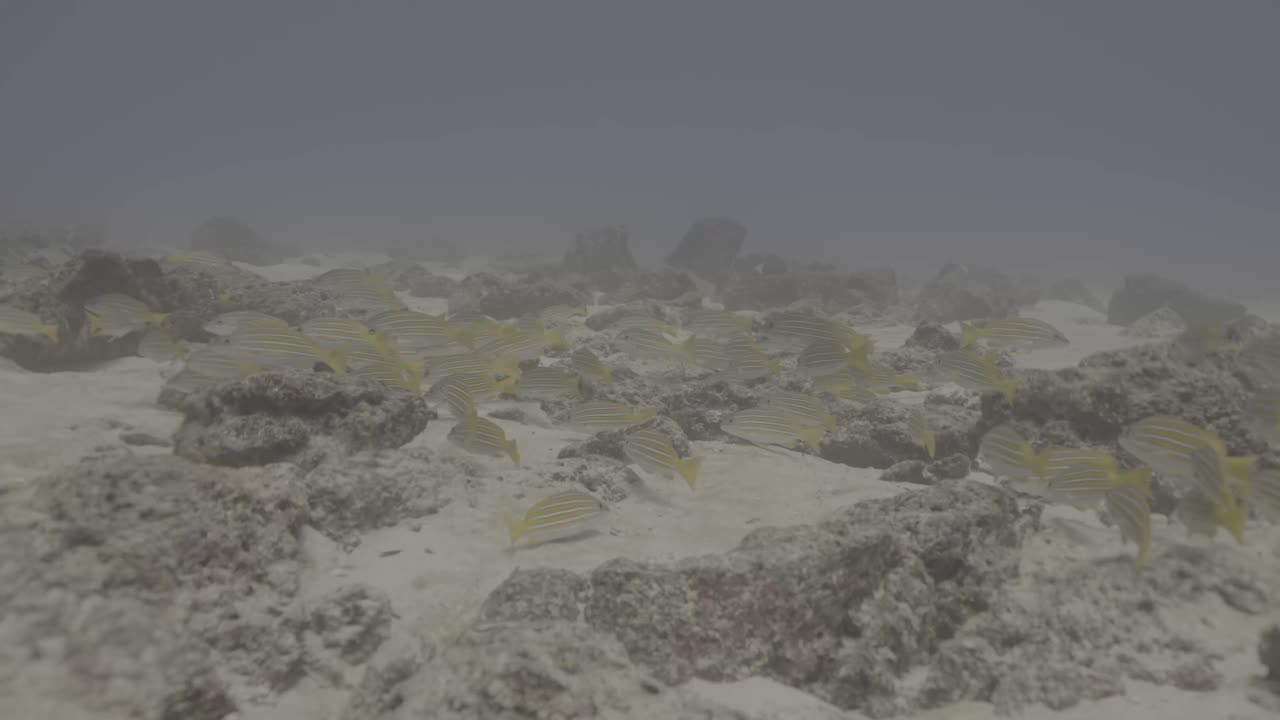
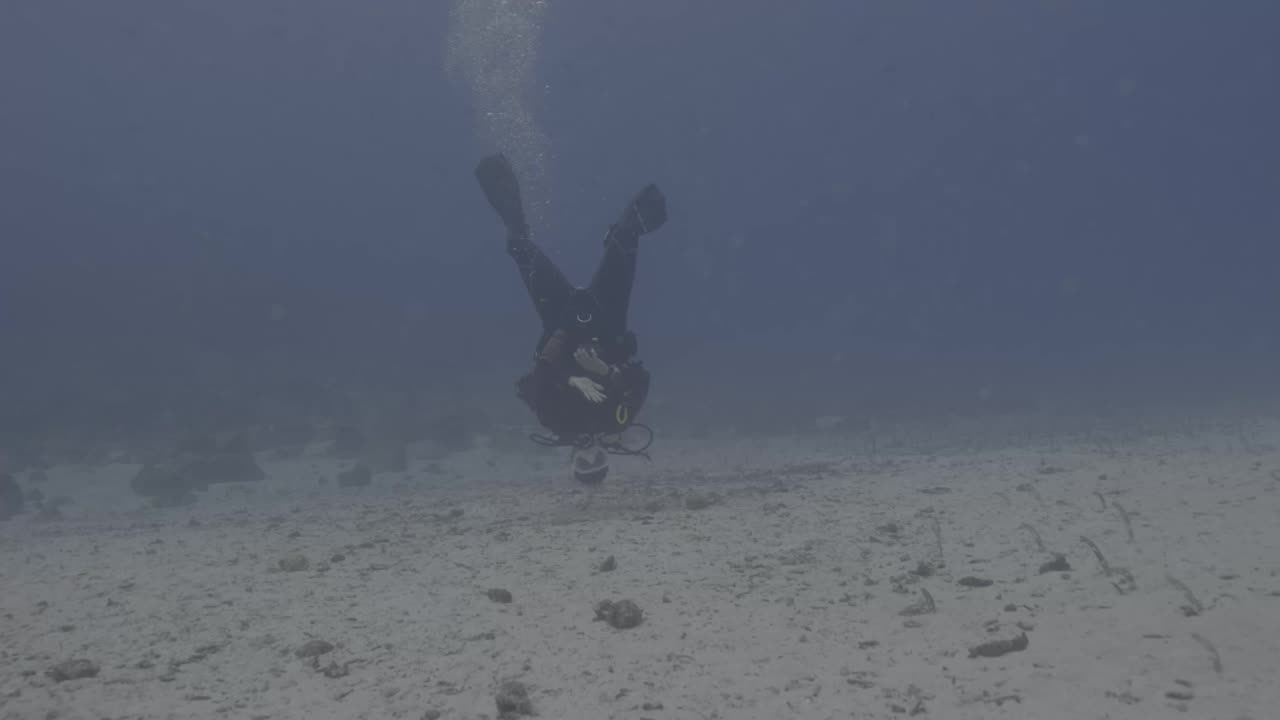
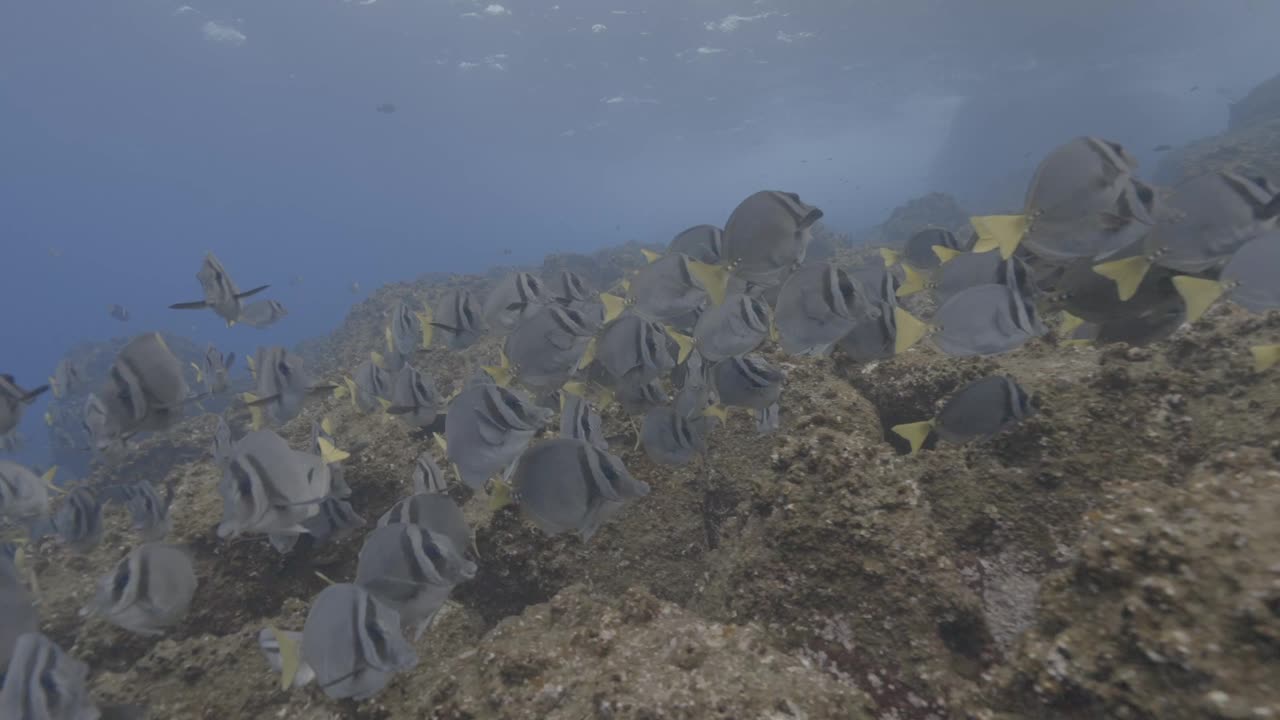
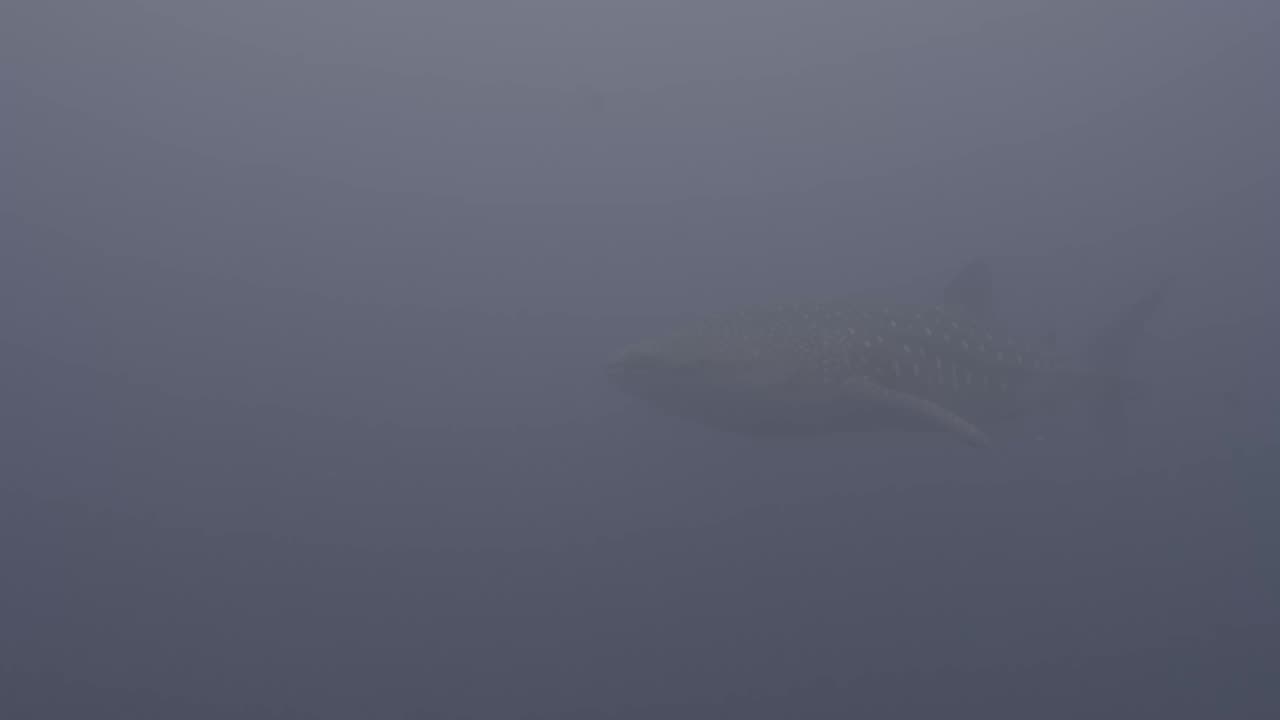
Left is the frame as it came off the card. Right is the same frame after depth correction and a one sentence look.
Frequently asked.
Why is my GoPro footage green underwater?
Water absorbs red light first and green survives longest, so past a few metres the camera has very little red left to record. In green or temperate water the remaining light is green, so the whole shot goes green. It is a light problem, not a camera fault.
Can you fix green GoPro footage in post?
Yes, up to a point. If there is any red information left in the file you can rebuild it. LUTly works out roughly how much was lost for your depth and water type and puts it back, then grades on top of the corrected image.
Do I still need a red filter?
A red filter helps in blue water below about 5 m because it puts the correction in front of the sensor, where there is still signal to work with. It hurts in green water and on shallow or split shots. If you shot without one, LUTly does the same job afterwards.
Does this work with a video light?
Yes, and lit shots correct best. A light gives the sensor real red back. LUTly measures the frame, so it applies less recovery to a lit subject than to the blue background.
Which GoPro settings should I shoot?
Shoot flat or GP-Log if your model has it, leave white balance on native or a fixed Kelvin rather than auto, and keep sharpening low. Auto white balance shifting mid-clip is the hardest thing to fix later.
Which GoPro models does LUTly detect?
HERO9 through HERO13 and the Max are detected from the file, with GP-Log, Protune Flat and standard handled. You can override the camera and profile if the detection is wrong.
Does my footage get uploaded?
No. The clip is decoded and rendered on your device. A few small preview stills go to the AI so it can judge the look, nothing more.
What do I get at the end?
A real .cube LUT you can drop on the rest of the dive in your editor. Free accounts export 33 point .cube files and get 15 LUT generations a month.
Can I fix a whole dive at once?
Yes. Drop the card in, LUTly groups clips shot in similar conditions, grades the set with one consistent look and exports the LUTs together as a ZIP on the Pro plan.
Will it work on GoPro photos?
The LUT is built from video frames, but the file is a standard .cube. You can apply the same LUT to stills in Photoshop, Lightroom Classic or Affinity Photo.
Try LUTly on your own footage.
Drop a clip, describe the look, export a real .cube LUT. Your footage never uploads.