Turn a sentence into a LUT.
Describe the look in your own words. LUTly writes the .cube file, built against the frames of your clip.
Drop a clip, describe the look, export a real .cube LUT. Your footage never uploads.
LUTly turns a written description into a LUT. It runs in your browser, with nothing to install. Your clip stays on your device and is never uploaded. What you get back is a real .cube file. Log and flat profiles are detected for you. The first tier is free, and no card is needed.
You type what you want the shot to feel like. The model reads a handful of frames from your clip and turns the sentence into concrete colour moves: exposure, white balance, contrast shape, hue targets. Those moves are then written into a lookup table on your machine.
The result is a .cube LUT, not a preview inside an app. It opens in DaVinci Resolve, Premiere Pro, Final Cut Pro and CapCut. You can apply it to the rest of the shoot, send it to an editor, or keep it for the next trip.
How a description becomes a LUT.
A few frames are sampled and measured for exposure, white balance and black level. The camera profile is read from the file where it is present, so flat footage is decoded before anything creative happens.
The sentence is turned into colour instructions with real values, tied to what the frames actually contain. The same sentence on a different clip produces a different table, because the starting image is different.
Your browser computes the lookup table and shows it live on the clip. Nothing renders on a server. When you like it, you export the file.
What to write in the prompt.
Plain words work better than technical ones. Name the mood, then one or two specifics. Say what you want protected if something matters, such as skin or sky.
“warm film look, gentle contrast, soft highlights”
A safe first prompt. Good on skin, travel and interviews.
“teal shadows, warm skin, punchy contrast”
The common cinematic split. Says where the cool goes and where the warm stays.
“clear the haze and deepen the blue, keep the sand neutral”
Two instructions plus one thing to protect. Useful on water and wide landscapes.
“moody overcast, muted greens, lifted blacks”
Names the weather, the colour to pull back and the black level.
“bright clean daylight, natural skin, no colour cast”
For product, food and anything where accuracy matters more than mood.
“golden hour warmth without going orange, hold the sky”
A limit and a protected area. Both are read and both are applied.
What comes out.
A .cube file named after your look, at the size you chose. It carries the correction and the look together, so a flat clip lands graded rather than half fixed. You can trim exposure, contrast, colour and tint before export and those trims bake in.
[ TABLE B ] — Export and compatibility
| Format | Sizes available | Editors that read it | Tier |
|---|---|---|---|
| .cube | 33 points | DaVinci Resolve, Premiere Pro, Final Cut Pro, CapCut | Free account |
| .cube | 17 and 65 points | DaVinci Resolve, Premiere Pro, Final Cut Pro, CapCut | Creator, $5 a week |
| Graded frame PNG | Frame size of your clip | Any image app, useful for stills and thumbnails | Creator, $5 a week |
| .3dl | 17 points, fixed | DaVinci Resolve and older finishing systems | Pro, $10 a week |
| HALD PNG | Level 8, a 512 by 512 image | Apps that read HALD identity images | Pro, $10 a week |
| ZIP of .cube files | One file per clip in the batch | Same editors as a single .cube | Pro, $10 a week |
Where it opens.
Load the file in your editor and apply it to the clip. Step by step for DaVinci Resolve, Premiere Pro, Final Cut Pro and CapCut.
[ TABLE A ] — Camera and format support
| Camera or brand | Profile detected | What LUTly does |
|---|---|---|
| Any other camera | STANDARD REC.709, HLG HDR | Treats the clip as standard Rec.709, or as HLG if you pick it. Use this when the camera is not in the list. |
| Apple iPhone | STANDARD (HDR OFF), HDR (DOLBY VISION / HLG), APPLE LOG | Reads the file for an Apple Log or HDR tag, decodes it back to a normal range, then grades on top. |
| Sony | STANDARD, S-LOG3 / S-GAMUT3.CINE, HLG | Decodes S-Log3 with the S-Gamut3.Cine primaries before the look goes on, so blacks hold and skin stays put. |
| Canon | STANDARD, C-LOG3 | Decodes C-Log3, then grades. C-Log3 is the only Canon log profile offered today. |
| Panasonic | STANDARD, V-LOG, HLG | Decodes V-Log or HLG, then grades on the flattened image. |
| GoPro | STANDARD, PROTUNE FLAT, GP-LOG | Decodes Protune Flat or GP-Log, then grades. Also used for GoPro clips shot in a dive housing. |
| DJI | STANDARD, HLG, D-LOG M, D-LOG | Decodes D-Log, D-Log M or HLG depending on the drone, then grades. |
| Blackmagic Design | VIDEO (REC.709), FILM GEN5 | Decodes Blackmagic Film Gen 5, then grades. Gen 5 is the only Blackmagic film profile offered today. |
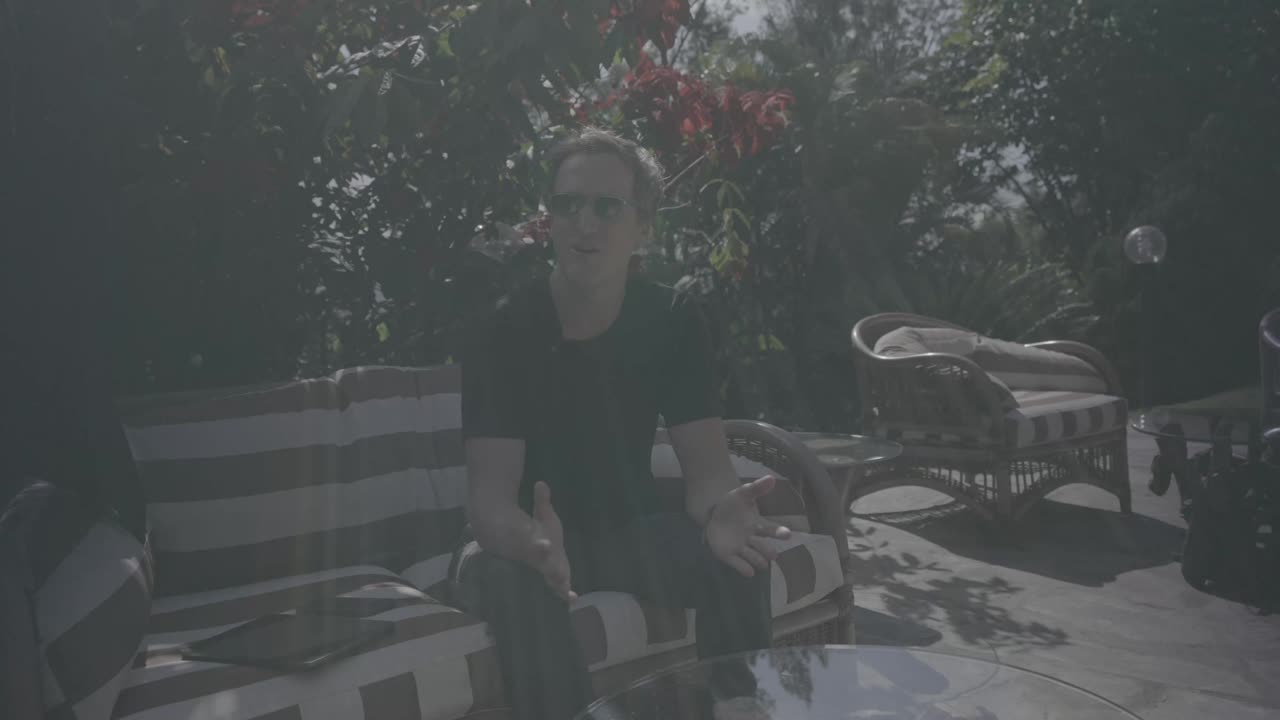
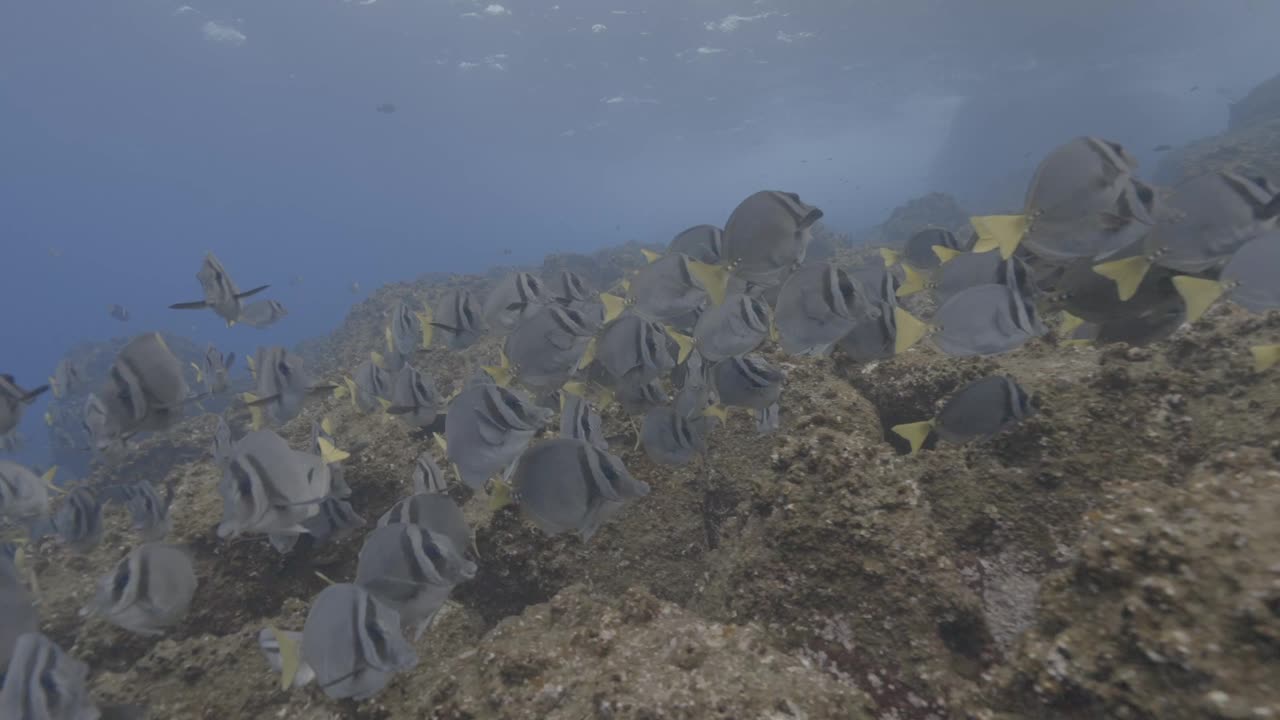
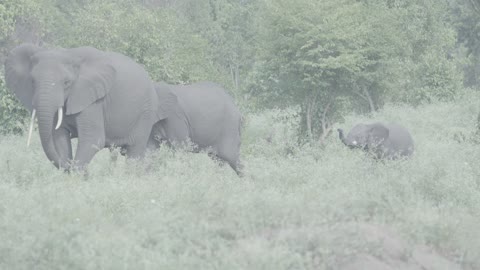
Same clip, before and after the sentence.
Left is the frame as the camera recorded it. Right is the same frame with the LUT that came out of a single written description.

Frequently asked.
How do I create a LUT from a text description?
Drop a clip into LUTly, type the look in a sentence, and press generate. The AI reads a few frames, works out the colour move, and your device builds the table. You then export it as a .cube file.
What is a .cube file?
A .cube file is a plain text lookup table that maps every input colour to an output colour. Editors read it and apply the same transform to your footage. It is the standard LUT format across Resolve, Premiere, Final Cut Pro and CapCut.
How many words should the prompt be?
Five to fifteen words is the useful range. Name the mood, then one or two specifics such as where the warmth sits or what to protect. Very long prompts add contradictions and the result gets muddier.
Can I use a reference image instead?
Yes. Drop a still into the reference slot and LUTly matches the look of that image against your clip. You can use a reference and a sentence together, the sentence then acts as the correction on top.
Can I edit the LUT after it is generated?
Yes. Exposure, contrast, colour and tint trims sit next to the preview and bake into the export. Creator adds lift, gamma and gain trims. You can also write a follow-up sentence and regenerate from the same clip.
What size LUT should I export?
33 points is the right default and it is what free accounts export. 65 points holds finer gradients for heavy grades and 17 points is smaller for older hardware. Both sit on the Creator plan.
Does it work on log footage?
Yes. S-Log3, C-Log3, V-Log, D-Log, D-Log M, GP-Log, Apple Log, HLG and Protune Flat are detected and decoded before the look is applied. You can override the camera and profile if the detection is wrong.
Is it free?
Yes to start. You can grade as a guest in the browser with no account, and a free account adds full quality 33 point .cube export and 15 LUT generations a month.
Does my footage leave my machine?
No. The clip is decoded and rendered on your device. A few small preview stills go to the model so it can judge the look, and nothing else is sent.
Try LUTly on your own footage.
Drop a clip, describe the look, export a real .cube LUT. Your footage never uploads.